I act
I don't just tell people where it is. I take them there, and fill it in.
«Take me to pricing» opens pricing. «Fill in the form for me» fills it in. «Send it» — only when they say so.
Fill in the enquiry with my details — Olena, olena@example.com, I need a quote for a 20-page site.
Done: I've filled in the name, email and message. I haven't pressed Send — shall I?
When a page answers better than I can, you decide what I do.
Whatever you pick: a visitor who asks to go somewhere goes there. The choice is only about what I do on my own.
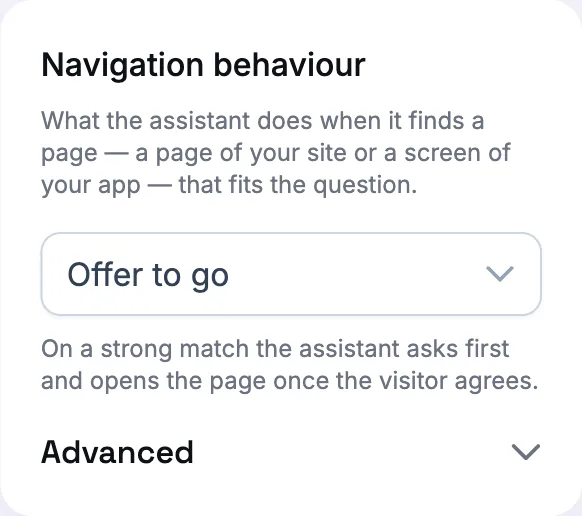
Answer and show a link. I answer in full and put the page beside the answer as a plate. The visitor clicks if they want.
Offer to go. On a strong match I ask: «I have a page on this — take you there, or explain here?» They answer in their own words, or with one tap. This is how a new assistant starts.
Take them there. On a strong match I open the page at once, with one line instead of an answer.
What I can do on a page, and what I never do alone.
I look at the page the visitor is on. Fields, buttons, tabs, dropdowns, checkboxes, a slider, a list with an «Add» button — I see what's there and whether a field is filled. What's typed in a field I see only if you let me (off by default).
I fill in and choose. Typing into a field, picking an option, ticking a box: those happen at once, in front of the visitor, so they see the real text on their own screen. If a field already had text, I say I replaced it — or I append instead.
I hold the press. Send, Save, Order, Delete — anything that can't be undone — I don't press on my own. I put it to the visitor with the button's own name, and press only on a yes. A tab or an «open the section» button isn't that kind of press; those I just do.
Or you let me press. For your own app you can tell me, once, that after I've filled a form I may press the Save you've marked. Your decision in your panel, not mine on the day.
«Show me where that is.»
Ask to be shown a place on a long page and I scroll there — to the heading, with the thing you asked about at the top of the screen, not the bottom. «Scroll down» scrolls the page, one screen at a time, and I tell you when there's no more.
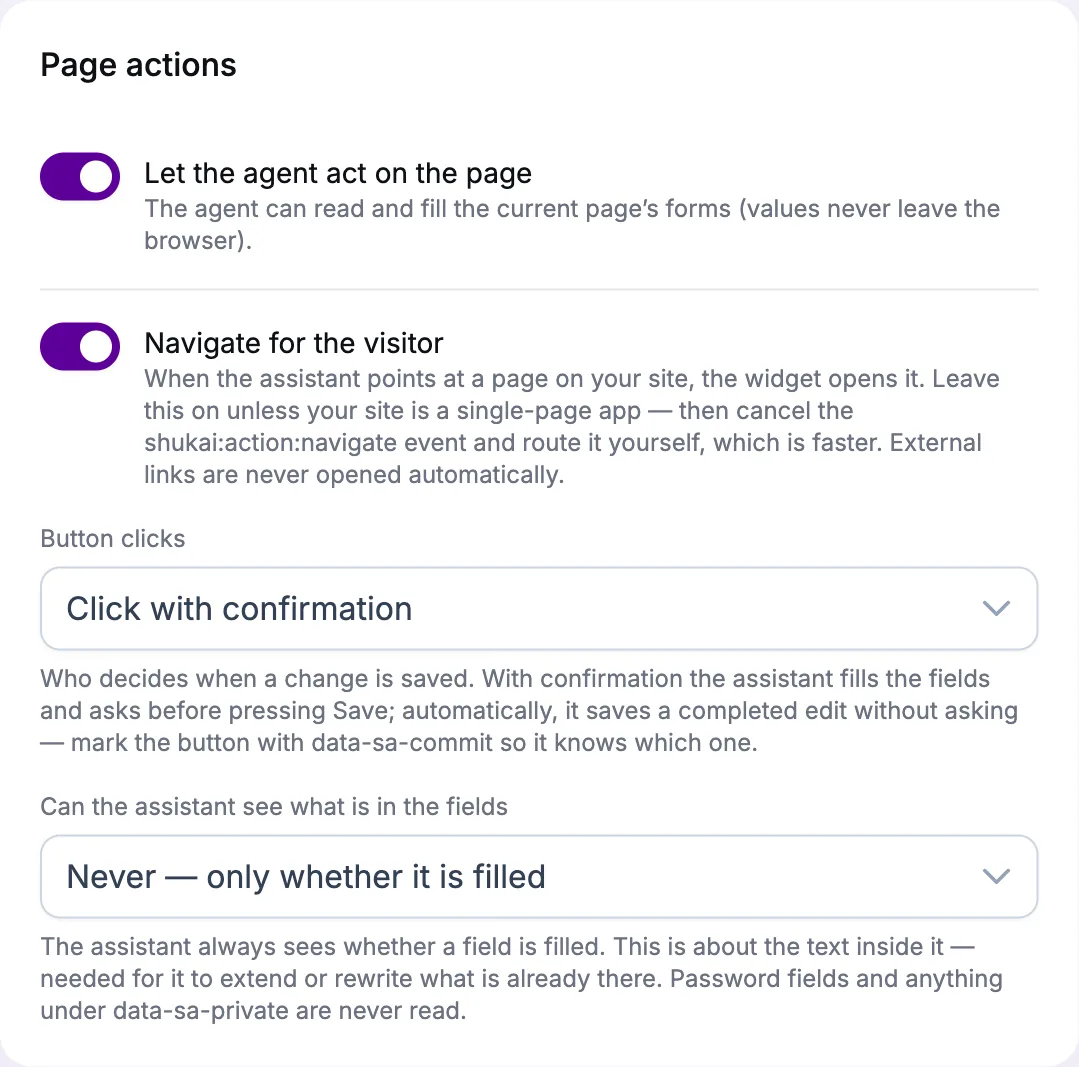
Four switches, all yours.
Navigation behaviour, on the assistant: link, offer, or go.
Let me act on the page, on the widget: on or off.
Button clicks: never — ask first (the default) — or save automatically after a fill, when you've marked which button saves.
What I may read: nothing but whether a field is filled (the default), only fields you've marked, or all.
And for your developer: a handful of attributes to name a button as safe, a field as private, a list as a list. None of them is required to start.
Limits, plainly.
- A form that saves as you type has no button for me to hold, so changes simply land — switch page actions off for that page if that worries you.
- I act on your site, not on others: a link to another site I'll show, never open on my own.
- Page actions are a Growth feature. On Starter I answer, open pages and hand people over; I don't touch the form.
Say «take me to pricing». Go on.