Diese Seite erscheint auf Englisch und Ukrainisch; unten steht die englische Fassung.
Requests: contacts and enquiries visitors leave
In the Shukai panel, without code: the contacts visitors leave when they want a person — where they come from, how to work through them, and how they reach your own system.
When a visitor wants a person, the assistant offers a way to reach you. If they leave a contact — in the form inside the chat, or by asking for someone — it arrives here as a request, and you get an email about it. The address it goes to is the site’s support inbox, set in Settings, or your account’s email until you set one.
The list
Each row is one request: when it was Received, the Contact, what They asked, where it Came from and its Status. Came from tells you how it started:
- Assistant gave up — the assistant could not answer and offered a person.
- Asked for a person — the visitor asked for one in their own words.
- Contact us menu — the visitor pressed Contact us beside the launcher.
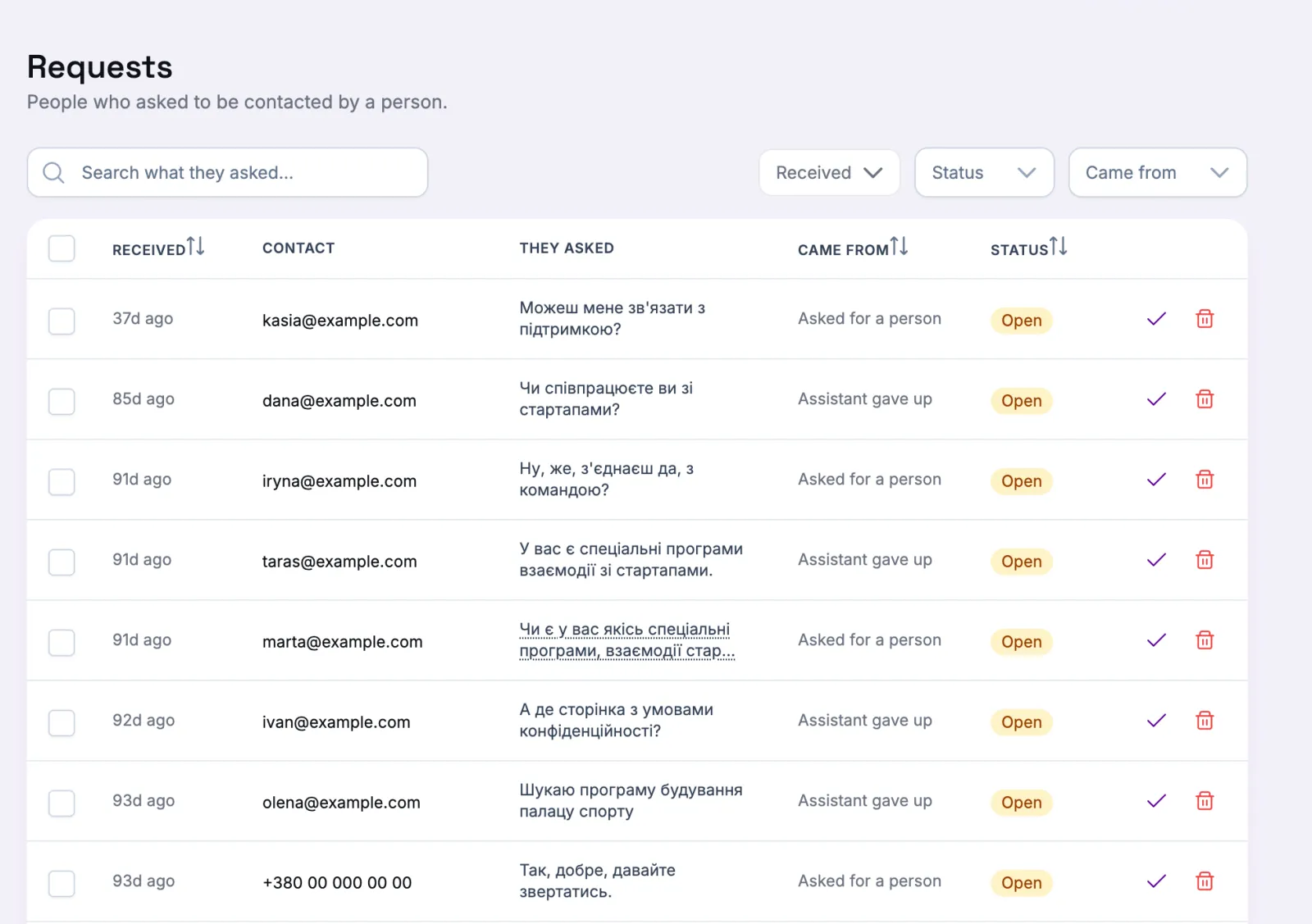
Many from the menu means people are looking for a person straight away; many from the assistant means your pages are missing something.
Working through them
Filter by Status (Open or Handled), by where they came from and by when they arrived. The search box looks through the question and what the visitor added. The contact itself is stored encrypted, so it cannot be searched.
Tick the rows you have followed up and Mark handled; Reopen puts them back, and Delete selected removes them. Open a row to see the whole request — what they added (They added), the channel, the page it came from, the language, the Reference when your link carried one, and Open conversation for the chat that led to it, while that conversation is still kept. A request outlives its conversation.
Into your own system
On the agent’s Escalation card you can have every request passed on to your CRM or help desk as well. If a delivery fails, the row shows Delivery failed — the request is still saved here.
A visitor who leaves through one of your own buttons — WhatsApp, Telegram, an email address — writes to you there, so no request appears here; a request is what the form in the chat collects.